
Why Surveys Built for Small Screens Deliver Bigger Results.



In today’s world, the survey experience is increasingly mobile. Most respondents open invitations on their phones, check emails on their phones, and complete quick tasks on their phones. Yet many surveys are still built for a desktop world - and simply squeezed onto small screens. The result? Frustrated respondents, unnecessary drop-outs, and avoidable data loss.
The good news is that the solution is simple: design surveys with mobile users in mind from the very beginning. A growing body of research shows that smartphone-optimized surveys dramatically improve completion rates while maintaining high data quality. For organizations that rely on insights, this is not just a design choice - it is a strategic advantage.
When respondents encounter an unoptimized survey - tiny buttons, wide grids, long scrolling, and cluttered layouts - they do what any of us would do: they quit. Research comparing mobile and computer respondents paints a clear and consistent picture.
Across 13 comparative studies, mobile respondents showed an average breakoff rate of around 13%, while PC users dropped out at roughly 5%. That means people on phones are over twice as likely to abandon a poorly designed survey.
A similar pattern appears in national statistics surveys. In studies from Statistics Netherlands, mobile drop-out rates often landed in the 15–25% range, whereas PC users typically fell between 5% and 10%. However, when these surveys were redesigned to be mobile-friendly, the mobile drop-off rate was cut roughly in half - a dramatic improvement without altering a single question.
Even extremely long questionnaires tell the same story. In the National Survey of Student Engagement experiment, which contained more than 100 items, mobile respondents in the traditional layout dropped out at double-digit rates. The smartphone-optimized version significantly reduced these breakoffs, even though the content and length were identical.
The conclusion is straightforward: if your survey isn’t mobile-optimized, expect to lose 10–25% of your smartphone respondents. If it is optimized, drop-out typically falls to 3–7%, nearly matching PC users and delivering a far more complete dataset.
A common concern is that mobile respondents might skip questions, rush through answers, or produce lower-quality data. This concern is understandable - and mostly outdated. Studies consistently show that when surveys are designed for smartphone use, data quality remains just as high as in desktop responses.
In a study by Andreadis (2015), respondents answered a smartphone-optimized survey on both desktop and mobile, and their results were nearly identical. Smartphone users took about 20% longer per question, but the quality of their answers did not diminish.
An even more rigorous crossover experiment by Antoun, Couper, and Conrad (2017), involving more than 1,300 participants, demonstrated the same result. Respondents produced equally reliable data on both devices, even though smartphone users multitasked more often. Meanwhile, Cernat and Antoun (2020) found that mobile respondents took about 40% more time to complete the full survey but did not sacrifice accuracy.
Even in long surveys, mobile optimization protects quality. In the NSSE study, redesigning the long questionnaire for smartphones reduced skipped questions without altering how well the survey measured underlying constructs such as engagement or satisfaction.
The message is clear: proper design eliminates the differences between device types. When a survey works well on a small screen, smartphone and desktop respondents deliver equally meaningful insights.
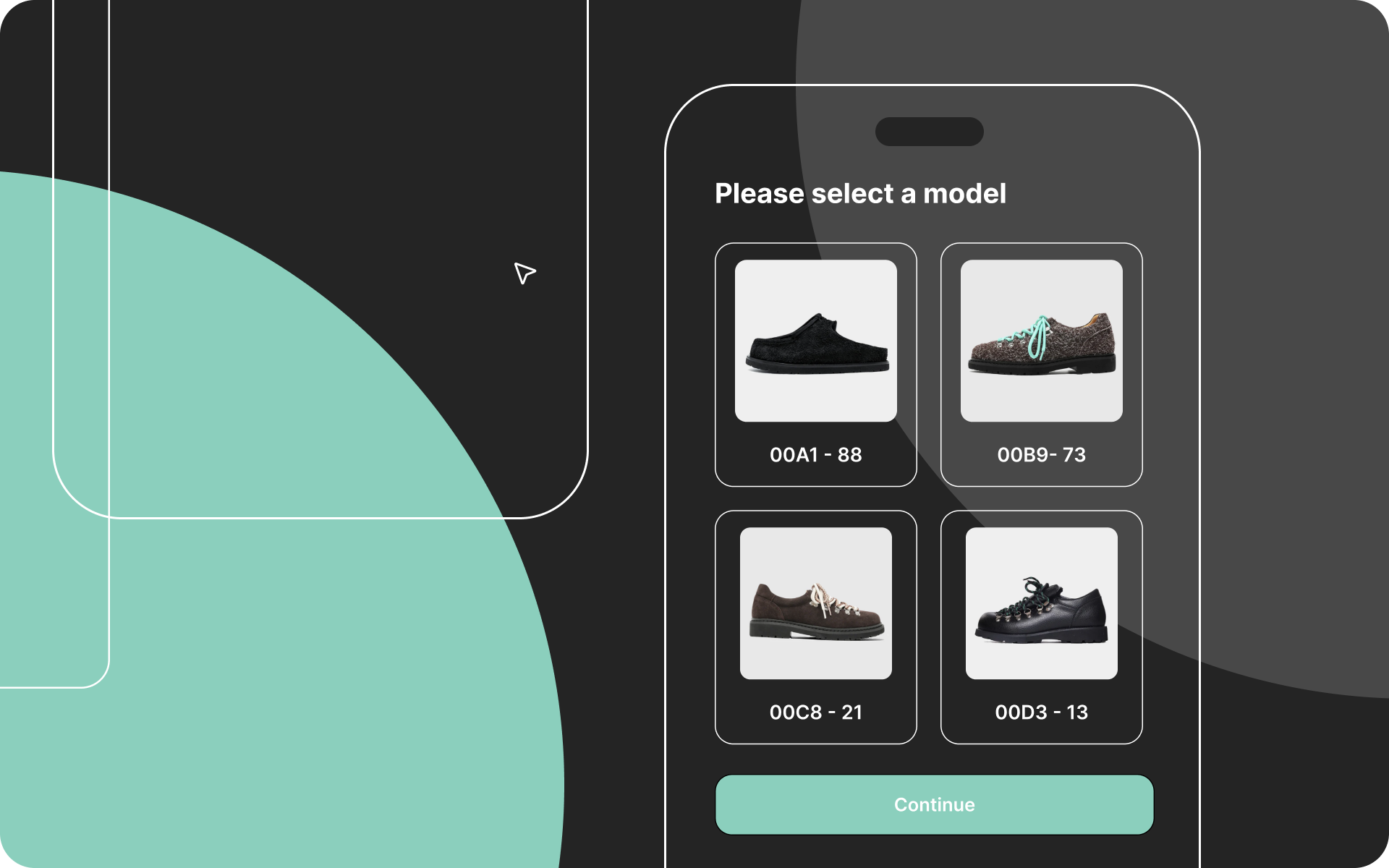
The advantages of mobile-first design are rooted in simple user experience principles. Desktop-era layouts - especially grids, multi-column formats, and dense text - create friction on small screens. Respondents must zoom, scroll excessively, or try to tap tiny response options. Every one of these hurdles increases frustration and raises the risk of abandonment.
Smartphone-optimized surveys remove these barriers. One-question-per-screen layouts, single-column formats, and large touch-friendly buttons streamline the experience. Respondents move smoothly through the survey, focusing on the content rather than fighting the interface. The improved experience explains both the lower drop-off rates and the consistently strong data quality.
In short: mobile-first design reduces effort, and reduced effort leads to better results.
For any organization collecting insights - HR teams, customer experience units, marketing departments, or research specialists - the implications are straightforward. If your survey is not mobile-first, you are losing data, losing respondents, and risking biased results.
Designing for smartphones is no longer a technical preference; it is an essential requirement. The key steps are simple:
Organizations that apply these principles consistently see higher completion rates, fewer skipped questions, and more reliable insights - without compromising respondent experience.
Without mobile optimization, 10–25% of smartphone users drop out.
With mobile optimization, breakoffs typically fall to 3–7% - almost identical to PC users.
Smartphone respondents take 20–40% longer to respond, but their data quality remains stable.
Academic evidence shows no meaningful decline in measurement quality when the layout is designed for mobile.
A well-designed mobile-first survey keeps more people in, collects better data, and strengthens the decisions built on that data.
Roberts, A., & Bakker, J. (2018). Mobile device login and break-off in individual surveys of Statistics Netherlands. CBS Discussion Paper.
https://www.cbs.nl/en-gb/background/2018/06/mobile-device-login-and-break-off-in-individual-surveys
Sarraf, S., Brooks, J., Cole, J., & Wang, X. (2015). What is the impact of smartphone optimization on long surveys? AAPOR Conference Paper.
https://scholarworks.iu.edu/dspace/items/54f1cd16-0d29-4adc-8713-1136875ea86d
Tourangeau, R., Sun, H., Conrad, F. G., & Couper, M. P. (2018). Web surveys by smartphone and tablets: Effects on survey responses. Social Science Computer Review, 36(3), 357–375.
https://journals.sagepub.com/doi/10.1177/0894439317719438
Henrik Nielsen is Head of Research at Enalyzer and an external lecturer at Copenhagen Business School. He works with the development of advanced questionnaires, methodological design, and the implementation of analysis projects across industries.
Henrik has extensive experience in survey methodology, data modeling, and the operationalization of measurements in large organizations. He advises both Danish and international companies on creating valid measurements, ensuring methodological consistency, and converting complex datasets into decision-relevant insights.
We'll match you with the right expert.