
Accessibility is essential to reliable surveying. This article explains how WCAG 2.1 applies to surveys, highlights common accessibility challenges, and outlines best practices for creating inclusive, compliant surveys.


Accessibility in surveys is not just about compliance, it is a fundamental part of collecting reliable, inclusive, and trustworthy data. When surveys are not accessible, respondents may be excluded, insights may be biased, and organizations may risk failing to meet legal requirements such as WCAG 2.1, the EU Web Accessibility Directive, or national accessibility legislation.
Surveys are widely used to support important decisions related to employees, customers, citizens, patients, and stakeholders. For these insights to be valid, everyone in the target audience must be able to participate on equal terms.
Accessibility matters because it supports both ethical and practical goals. An accessible survey ensures that more people can complete it independently, without barriers or frustration. It also helps organizations meet legal obligations and improve the overall quality of their data.
Accessible surveys help to:
At Enalyzer, accessibility is considered a core part of delivering professional survey solutions, especially for organizations operating in regulated or public-sector environments.
WCAG, the Web Content Accessibility Guidelines, is an international standard developed by the World Wide Web Consortium (W3C). WCAG 2.1 is the version most commonly referenced in current legislation and accessibility policies.
The guidelines are structured around four core principles. For content to be accessible, it must be:
While WCAG itself is not a law, it is the technical standard used by many accessibility laws. In the United States, Section 508 incorporates WCAG success criteria as its benchmark for digital accessibility, making WCAG 2.1 Level AA the practical standard for compliance. Similarly, many European and international accessibility regulations reference WCAG as the foundation for legal requirements.
In 2025/26, accessibility is no longer just about meeting WCAG 2.1 Level AA, but about choosing a survey platform that actively supports accessible design by default. Look for platforms that combine semantic HTML, keyboard operability, screen reader compatibility, and accessible reporting. A WCAG-aware platform should reduce risk, not shift responsibility entirely to the survey creator.
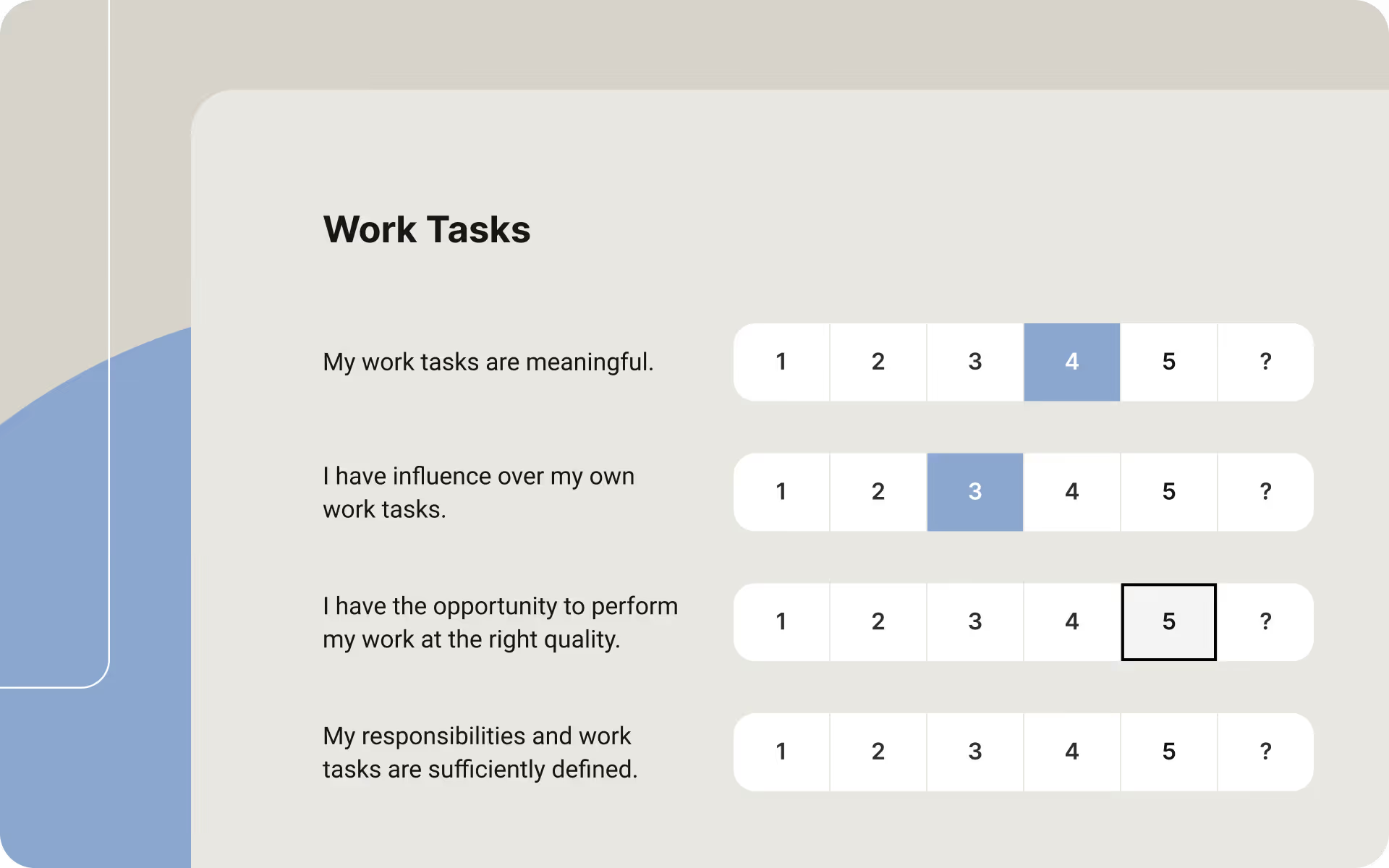
Surveys differ from static web content because they are interactive and often rely on dynamic elements, conditional logic, and user input. This introduces additional accessibility challenges that must be handled carefully.
Common accessibility challenges in surveys include:
This is why WCAG compliance in surveying is not only about the platform itself, but also about how each individual survey is designed and configured.
The foundation of an accessible survey is clear and well-structured content. Questions should be easy to read, easy to understand, and logically organized.
When designing survey questions, it is important to:
Clear structure benefits all respondents and is essential for users relying on screen readers.
Labels and instructions guide respondents through the survey and help them understand what is expected. For accessibility, this information must be available both visually and programmatically.
To support WCAG compliance:
Survey tools like Enalyzer are designed to support proper labeling, but it is still up to the survey creator to use these features correctly.
Some users navigate surveys using only a keyboard or alternative input devices. A WCAG-compliant survey must therefore be fully operable without a mouse.
When checking keyboard accessibility:
If a survey cannot be completed using only a keyboard, it does not meet WCAG requirements.
Screen reader users depend on semantic structure and meaningful markup to understand survey content and flow. Visual design alone is not enough.
To support screen readers:
Modern survey platforms, including Enalyzer, are built with assistive technologies in mind, but testing real surveys remains an important step.
Visual accessibility is particularly important for users with low vision or color vision deficiencies.
To ensure sufficient contrast and clarity:
Good visual contrast also improves readability on mobile devices and in bright environments.

Images and icons can support understanding, but they must never be the only way information is communicated.
When using visual elements:
Text alternatives ensure that all respondents receive the same information.
Time pressure can create barriers for respondents with cognitive or motor impairments. Surveys should allow users to proceed at their own pace whenever possible.
To reduce accessibility barriers:
This helps respondents complete surveys without unnecessary stress.
Accessibility does not end when data collection is complete. Survey results must also be accessible to those who read, analyze, and act on the data.
When sharing results:
Enalyzer is designed with accessibility as a foundational requirement, supporting WCAG-aligned structures across surveys, navigation, and reporting. The platform supports keyboard navigation, screen reader compatibility, clear labeling, and accessible question structures. This allows organizations to focus on content and methodology while working within an accessibility-conscious framework. I suggest that you read our article explaining why Enalyzer is the best survey tool in Scandinavia - especially when it comes to WCAG compliance.
WCAG compliance in surveying is a shared responsibility. Different roles contribute to accessibility in different ways.
In practice:
Using a WCAG-aware survey platform does not automatically make every survey compliant.
Accessibility should be integrated into your standard survey process rather than treated as a final check.
Best practices include:
These practices help ensure both compliance and better data quality.
Do all surveys need to be WCAG compliant?
If your organization is subject to accessibility legislation, such as public-sector requirements or contractual obligations, then yes. Even when not legally required, WCAG compliance is considered best practice and improves data quality.
Is using a WCAG-compliant survey platform enough?
No. The platform provides the foundation, but survey creators are responsible for how questions, labels, logic, and content are used. Accessibility depends on both technology and design choices.
Which WCAG level should surveys comply with?
Most legislation and accessibility policies require WCAG 2.1 Level AA. This level addresses the most common accessibility barriers without being overly restrictive.
How can I test whether my survey is accessible?
You can start by navigating the survey using only a keyboard. You can also test with screen readers such as NVDA or VoiceOver, and use automated accessibility testing tools to identify common issues.
Does accessibility only apply to public-sector surveys?
No. Accessibility applies to private companies as well, especially when surveying customers, employees, or users. Inclusive surveys benefit all organizations, regardless of sector.
If you want to dive deeper into WCAG and accessibility in surveying, the following resources are widely recognized and generally relevant:
W3C Web Content Accessibility Guidelines (WCAG) 2.1
W3C Introduction to Web Accessibility
EN 301 549 – Accessibility requirements for ICT products and services
WebAIM: Accessibility principles and testing
European Commission: Web Accessibility Directive
These resources provide authoritative guidance for anyone responsible for accessible digital services, including surveys.
If accessibility, compliance, and data quality are key requirements, choosing a survey platform designed with WCAG principles in mind is an important first step. Platforms like Enalyzer support organizations working with accessibility-critical surveys across public and private sectors.
For many EU organizations, WCAG compliance is closely tied to procurement and vendor selection through standards such as EN 301 549 and the Web Accessibility Directive. Choosing a WCAG-aware survey platform simplifies compliance documentation and reduces legal and operational risk. This is particularly relevant for public-sector surveys, regulated industries, and enterprise procurement processes in 2025.
But WCAG-compliant surveys are about more than meeting legal requirements. They reflect a commitment to inclusion, professionalism, and reliable decision-making. By ensuring surveys are perceivable, operable, understandable, and robust, organizations give everyone an equal opportunity to participate and be heard.
When accessibility is built into the survey process from the beginning, compliance becomes a natural outcome rather than a last-minute concern.
We'll match you with the right expert.